
Errors
App Crashing? What to Do Right Now: Step-by-Step
Is your app or web application crashing? Follow this triage plan: scope the problem, read logs, roll back and spot backend causes.
- By IT bugsolutions
- 6 min read
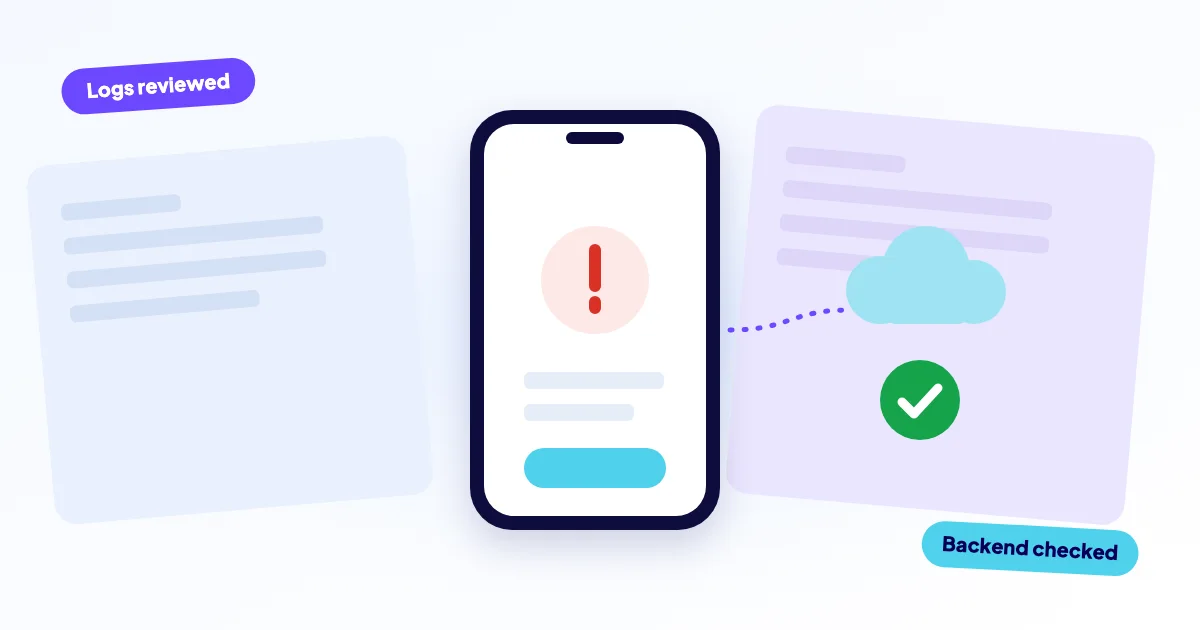
If your app crashes, first work out whether the problem is in the app itself or in the web backend behind it. Note what changed last, check whether everyone or only some users are affected, read the server logs and, if a recent release caused it, roll that release back. A web app or an API that returns errors is something we can repair remotely.
- Stay calm and define the scope first: who is affected, since when, and on what.
- Many "app crashes" are really backend problems: a failing API, database or expired certificate.
- The server log and the last deployment are your two best clues.
- Rolling back the last release is often faster and safer than fixing live.
- We repair websites, web apps and web backends remotely. We do not fix the user interface of native iOS or Android apps.
What does "my app crashes" really mean?
The phrase covers very different problems. A web application may show a white page or an error. A mobile app may close on launch, freeze, or show "something went wrong" when it tries to load data.
The split that matters: does the problem sit in the code that runs on the device, or in the server it talks to? Most apps, from web shops to booking tools, depend on a backend with an API and a database. When that backend fails, the app seems broken even though its own code is fine.
What should you do in the first ten minutes?
Do these steps in order. Each one is cheap and gives you information before you change anything.
- Define the scope. Everyone or a few users? One feature or the whole app? Web, iOS, Android or all?
- Reproduce it yourself. Open the app or site on your own device and on another network. Write down the exact error text.
- Name the last change. A new release, a server update, a config change, a certificate renewal, a plugin update.
- Check the basics. Is the server up? Is the disk full? Is the SSL certificate valid? Is the database reachable?
- Read the logs. Start with the application error log and the web server log, around the time the crashes began.
- Decide: roll back or fix. If a release caused it and a backup or previous version exists, a rollback is usually the calmest route.
Keep a short timeline: time, what you saw, what you changed. It helps you think, and it saves any helper a lot of time.
Is the app itself crashing, or is the backend failing?
This table gives a first read. It is a guide, not a verdict.
| What users see | Likely side | First check |
|---|---|---|
| Closes at launch, no loading | App code on the device | Latest app release |
| "Network error" or empty lists | Backend or API | API response and logs |
| Web page shows 500 or white page | Server code | Application error log |
| Login fails for everyone | Backend, database or session | Database connection |
| Everything fails at once | Hosting, certificate or DNS | Server status, SSL |
One quick test: if your API address returns an HTTP 5xx status in a browser or a tool such as curl, the backend is failing and the app is only the messenger.
A scene you may recognise
Monday morning, customers say the booking app "crashes". Nobody changed the app. But the weekend before, the host upgraded PHP, and the booking API now throws an error on every request. The app shows a blank screen because it received an error instead of data. Fixing the backend fixed the "app".
What do the logs tell you?
Logs are the black box recorder of your software. In a web backend, look at the application log and the web server error log. For a Laravel project, the application log is a file you can open and search for the newest "ERROR" or "Exception" entries.
[2026-10-22 08:14:03] production.ERROR: SQLSTATE[HY000] [2002] Connection refusedA line like this says the application could not reach its database. That is a very different problem from a code bug, and a different fix. Read the first error in the series, not the last, because later errors are often just consequences.
When should you roll back?
If the crashes began right after a release or update, go back to the previous working version. It removes the symptom fast and gives you time to find the real cause calmly.
Don't
- Patch live code with guesses.
- Restore an old database over fresh data.
- Change several settings at once.
- Restart repeatedly without reading the log.
Do
- Back up code and database first.
- Roll back the last release only.
- Test on a copy where you can.
- Record what you changed.
A rollback of code is usually safe. Restoring a database is not, because you can lose orders or user data created since the backup. Ask for help before you touch the database.
Which backend problems cause app crashes most often?
- A code error after a deployment
- The database refuses connections or is full
- An expired SSL certificate
- The disk or memory on the server is full
- A third-party service or API your backend uses is down
- A PHP or software version change by the host
An expired certificate deserves special mention. Mobile apps are often strict about it, so the app can stop working completely while your website still opens after a browser warning. Our page on database connection errors and the overview of Laravel and PHP errors cover two frequent culprits in detail.
When is it time to get help?
Get help when the logs point to something you do not recognise, when a rollback is not possible or does not help, or when users lose money or data while you search. Also stop when you are about to touch the database. Calling early is cheaper than a wrong fix on live data.
How do you make the next crash less likely?
You cannot rule out every crash, but you can make them smaller and shorter.
- Keep daily off-site backups of code and database.
- Deploy in small steps, so a bad release is easy to spot and undo.
- Set up uptime checks that alert you before users do.
- Get notified before the SSL certificate and domain expire.
- Keep logs long enough to look back at the moment it started.
How can IT bugsolutions help?
We repair websites, web applications and web backends remotely, including WordPress, Laravel/PHP and web shops. We can fix the API, server and database side of a mobile app. We do not repair the interface or code of native iOS or Android apps themselves, and we will tell you straight away if that is where your problem sits.
The diagnosis is free. You get a fixed price quoted before any work (from €295 excl. VAT), we back up before every change and you pay after the diagnosis. For a 500 error on a web backend, start with our guide to the 500 Internal Server Error, or describe your case. To make crashes less likely, a care plan adds daily backups, uptime alerts and safe updates with rollback.
Frequently asked questions
Also see
Laravel and PHP errors
Works on your machine, breaks on the server? That is the classic deploy gap
Read more →Database connection error
The site is running; the link to its database is broken
Read more →HTTP error 500
Your server tried to build the page, failed, and gave only a vague error
Read more →