
Downtime
Reduce Website Downtime: Hosting Choices That Help
Want to reduce website downtime? Compare shared, VPS, managed and cloud hosting, and see how a CDN, monitoring and backups cut outages short.
- By IT bugsolutions
- 6 min read
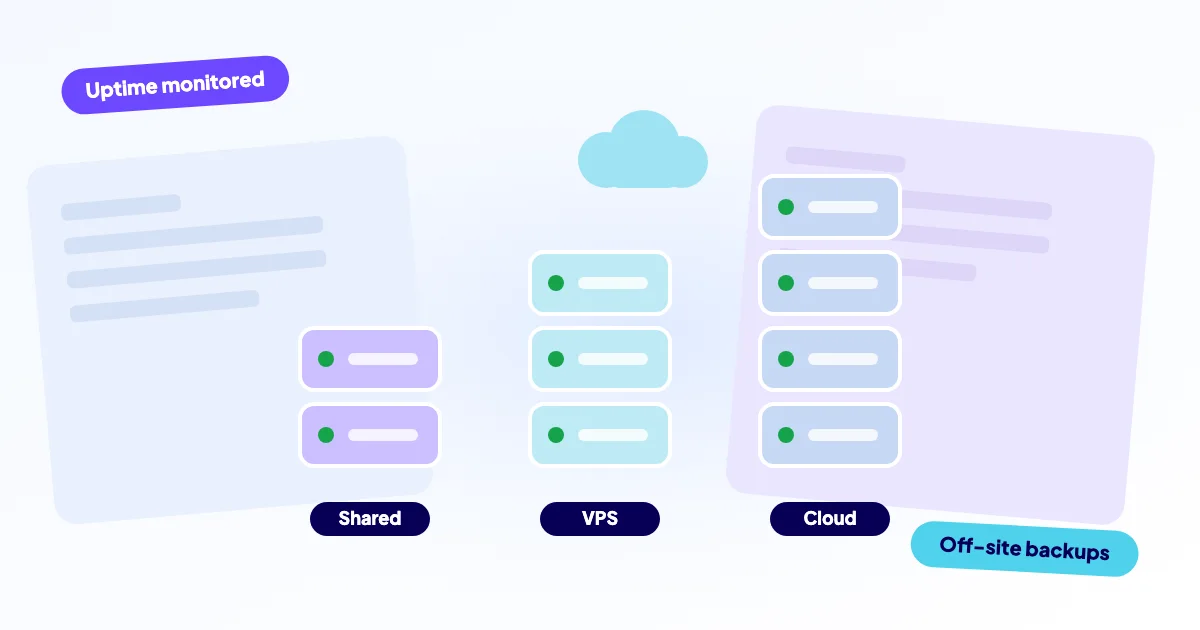
You reduce website downtime by removing single points of failure and spotting problems fast. Choose hosting that fits your traffic, add a CDN for static content, run an outside uptime check, and keep backups away from your server. No hosting type removes downtime completely, but the right combination makes outages rarer and much shorter.
- Cloud hosting is not automatically more reliable. Setup, updates and monitoring matter as much as the platform.
- Shared hosting is cheapest but shares resources. A VPS gives control and responsibility. Managed hosting hands part of that work back.
- A CDN can take load off your server and, when configured to, keep serving cached pages during an origin problem.
- Monitoring and off-site backups shorten every outage, whichever host you use.
What actually causes website downtime?
Downtime rarely comes from one dramatic event. It comes from small weak spots: one server running everything, a disk that slowly fills, an update nobody tested, a domain nobody renewed. A platform can protect you from some of these and not from others.
Think of it as a chain. Visitors reach your site through DNS, maybe a CDN, a web server, your application and a database. Any link failing means the page does not load.
Shared, VPS, managed or cloud: what is the difference?
These labels overlap, so here is what each one means in practice.
| Type | How it works | Downtime risk | Best for |
|---|---|---|---|
| Shared | Many sites on one server | Neighbours and limits can affect you | Small, low-traffic sites |
| VPS | Your own slice of a server | You must patch and monitor it | Growing sites, someone technical on hand |
| Managed hosting | Provider runs the stack for you | Less admin work for you | Shops and business sites |
| Cloud | Resources across a provider’s infrastructure | Flexible, but still needs good setup | Variable traffic, higher needs |
“Cloud” describes how the infrastructure is built, not how well it is managed. An unmanaged cloud server that nobody patches can go down just as easily as an old shared account.
Does cloud hosting really reduce downtime?
It can, in specific ways. Cloud platforms make it easier to add resources when traffic grows, to run more than one server behind a load balancer, and to replace a failed machine. Those are real advantages, but only if someone builds them in.
A single cloud server running your whole site is still a single point of failure. And many outages are not hardware problems at all. A bad plugin update, a full disk or an expired domain takes down a cloud site as quickly as any other. Ask what the provider handles, and what remains yours.
Which parts do you manage: updates, backups, monitoring, security? Where do backups live? What does support cover when your application, not the server, is broken? Clear answers matter more than a bigger plan.
How does a CDN help when your site goes down?
A CDN (content delivery network) keeps copies of your images, scripts and sometimes whole pages on servers closer to visitors. That lowers the load on your own server, which helps during traffic peaks. Many CDNs can also keep serving cached content if your server is unreachable, but this depends on settings and on what is cached.
It has limits. A shop checkout, a login or a logged-in dashboard cannot be served from a cache, because the content is personal and changes constantly. A CDN is a shock absorber, not a replacement for a healthy server.
Why does monitoring matter as much as hosting?
You cannot fix what you do not know about. Without monitoring, you learn about an outage from a customer email, or from lost orders. With an uptime check, a service outside your hosting requests your site every few minutes and alerts you when it fails.
- Check from outside your own server, not from inside it.
- Test a real page, not just whether the server answers.
- Watch domain and SSL certificate expiry dates. Both take sites offline when forgotten.
- Send alerts to more than one person.
Monitoring does not prevent the outage, but it turns hours of unknown downtime into minutes of known downtime.
Which backups make a recovery fast?
Hosting decides how often something fails. Backups decide how bad it gets. A recent backup lets you restore a clean state when an update, a hack or a crash damages the site.
That is the 3-2-1 rule. A backup that lives only on the server it protects disappears with that server. Also test a restore now and then, because an untested backup is a hope, not a plan.
What setup fits which kind of website?
There is no best provider, only a better fit. Match your hosting to what an hour of downtime would cost you.
- Brochure site or blog. Good shared or managed hosting, uptime monitoring and off-site backups are usually enough.
- Web shop. Managed hosting or a well-maintained VPS, a CDN, tested updates and fast alerts. Downtime here loses orders directly.
- Growing or seasonal traffic. A setup that scales, with caching and load tested before peak periods.
- Custom Laravel or PHP app. A VPS or cloud setup with deployment, logs and rollback planned in advance.
Weak setup
- One server, one copy of the data.
- Backups on the same server.
- Updates applied straight to the live site.
- No alerts until a customer complains.
Stronger setup
- Hosting matched to your traffic.
- Daily backups stored elsewhere.
- Updates with a rollback option.
- Outside uptime checks with alerts.
Where do you start if your site is already unstable?
Fix the cause before you move. Migrating a site with an unresolved problem usually moves the problem too. Start with a diagnosis of what actually fails: website down and slow website describe the common patterns. If the server itself is the issue, what a crashed server means for your site gives a triage path, and our checklist for a site that is down covers the first minutes.
We repair websites remotely, and we can also handle a migration when moving really is the answer. We start with a free diagnosis, take a backup before any change, and quote a fixed price from €295 excl. VAT (from €450 for migrations) before work begins. Our website care plans add daily off-site backups, uptime checks with alerts, SSL and domain expiry alerts and safe updates with rollback.
Want an honest view of your setup?
Tell us what your site runs on and what keeps going wrong through the contact form. We will say plainly whether a hosting change would help or whether the cause sits elsewhere. You pay after the diagnosis, and we do not push a bigger plan than you need.
Frequently asked questions
Also see