
Security
Will My Website Be Hacked? Why Small Sites Get Targeted
Will my website be hacked? Why automated scans target small sites, and a self-check table to see how exposed you are.
- By IT bugsolutions
- 6 min read
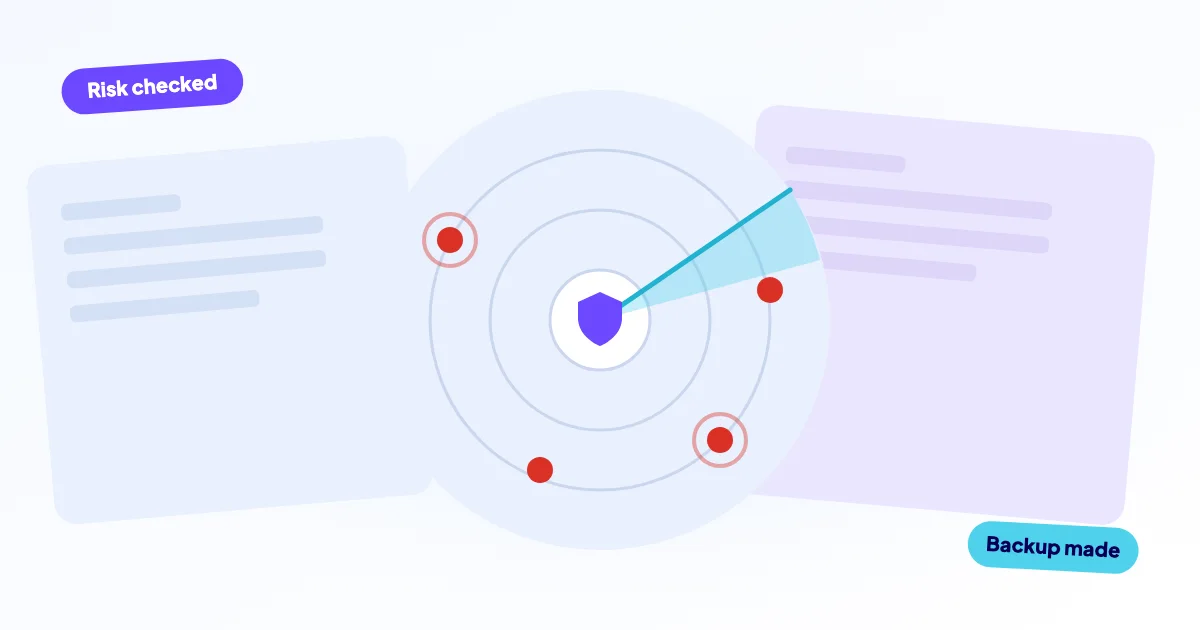
Will your website be hacked? Quite possibly it will be probed, because attackers use automated tools that scan huge numbers of sites for known weak spots, regardless of size. Whether a probe turns into a break-in depends on your own setup: outdated plugins, reused passwords and unused accounts. The good news is that you control most of those risk factors.
- “We are too small to be a target” is a myth: automated scans do not look at who you are.
- The usual entry points are outdated software, reused or stolen passwords and forgotten accounts.
- Your exposure depends on a short list of factors you can check in 15 minutes.
- No setup is hack-proof, but most successful attacks use weak spots that were fixable.
Why would anyone hack a small website?
Because nobody is choosing. Attackers run software that tests thousands of addresses for the same known flaw, and your site is simply one of the addresses. A hacked small site is still useful to them: it can host spam pages, send junk email, redirect visitors to scams or serve as a stepping stone to attack others.
Think of a thief trying car doors in a long car park. He is not after your car in particular. He wants whichever one is unlocked.
Open your site’s access log, or ask your host for it. On almost any live site you will find requests for login pages and files that do not exist on your site, from addresses you have never heard of. That is automated scanning, and it happens every day.
Your reputation matters too. A site that sends spam or serves malware can land on blocklists, and your regular email may start ending up in junk folders. Cleaning that up takes far longer than the break-in itself.
That is why “we have nothing worth stealing” misses the point. Attackers want your server, your domain’s good name and your visitors’ trust, and they get all three from a single unpatched plugin. A shop also holds customer data, which adds legal obligations if it leaks.
How do small sites actually get compromised?
Real-life break-ins are rarely clever. Four routes explain most of them.
- Automated scanning for known flaws. When a vulnerability in a plugin or theme becomes public, bots start testing for it within hours or days. Sites that have not updated are caught.
- Credential stuffing. Passwords leaked from one service are tried on thousands of others. If you use the same password for your shop login and an old forum, a bot can walk in.
- Brute-force guessing. Bots try common passwords against login pages around the clock. Weak passwords fall; long unique ones do not.
- Compromised accounts. Phishing, an infected laptop or a former freelancer’s breached mailbox gives access without breaking the site at all.
Outdated software is behind a large share of cases, which we cover in the hidden dangers of outdated software. Phishing has its own article: why phishing is still the biggest threat to website owners.
How exposed is your website? A self-check
Go through this table honestly. Each row is a common risk factor and the action that reduces it. If you recognise yourself in the middle column, that row is where to start.
| Risk factor | You are exposed if… | What to do |
|---|---|---|
| Outdated plugins or theme | Updates have waited for weeks or months | Update, delete unused plugins |
| Reused passwords | One password works on several services | Password manager, unique passwords |
| No MFA | A password alone opens hosting or admin | Enable MFA on email, hosting, CMS |
| Old admin accounts | Former staff or freelancers still have access | Remove or demote them |
| No off-site backup | Backups sit on the same server | Daily copy elsewhere, tested restore |
| Nobody is watching | You would learn of a problem from a customer | Uptime checks, scans, alerts |
The more rows that describe you, the higher the chance that a scan turns into a break-in. Even one row, such as an old admin account, can be enough.
Which signs suggest a site is already compromised?
Many hacked sites look normal to the owner, which is why checking from the outside matters. Warning signs include redirects to unknown pages when you arrive from Google, a browser warning, new admin users you did not create, strange files in your hosting account, or a sudden flood of bounced emails.
If any of these ring true, do not wait. Read what to do in the first hour after a hack and, if you want help, see how we handle a hacked website.
What does a quick self-assessment look like?
Block fifteen minutes and tick off what you can confirm today. Be strict: if you are not sure, do not tick it.
- My CMS, plugins and theme were updated in the last month.
- I deleted plugins and themes I do not use.
- Every person with access has their own account.
- Hosting, email and CMS admin all use MFA.
- I use a password manager and no password is reused.
- A backup from yesterday exists outside my web server.
- I know who gets alerted if the site goes down.
Five or more ticks put you in a good position. Fewer than three means you are an easy target for the automated tools described above, so fix the first unticked item this week.
Does updating really prevent most attacks?
It prevents a lot of them, but updates have a risk of their own: a plugin update can break a layout or a checkout. That is why many owners postpone updating, and why postponing is the real danger.
Common habit
- Skip updates because something broke once.
- Update everything at once with no backup.
- Leave the live site as the only test.
Safer habit
- Take a backup, then update in small batches.
- Check key pages (checkout, forms, login) afterwards.
- Roll back quickly if something breaks.
If an update already broke your site, our guide on a site broken after an update shows what to check.
What if the worst happens?
No honest provider can promise that you will never be hacked. What you can control is how quickly you notice and how much damage the attacker can do. Off-site backups, unique logins and a short access list keep a bad day from becoming a disaster.
Good habits do not make a site unhackable. They make it a harder target than the next one in the list, and they make recovery much faster.
How can we help you reduce the risk?
We repair and secure websites remotely: WordPress, Laravel/PHP and web shops. You get a free first diagnosis, a fixed price before any work starts (from €295 excl. VAT, and from €450 for hacked sites), and a backup before every change. Not sure how exposed you are? Send us your question and we will look at it.
To keep the routine work from slipping, our website care plans (from €99/month) cover daily off-site backups with verification, uptime checks with alerts, security scans and updates with rollback, plus a monthly report. For more everyday habits, read seven simple cybersecurity measures that work.
Frequently asked questions
Also see