
Backups
Website data lost? How to prevent and recover from it
Website data lost to a hack, bad update or host failure? Learn what to do first, how the 3-2-1 backup rule works and how to test a restore.
- By IT bugsolutions
- 6 min read
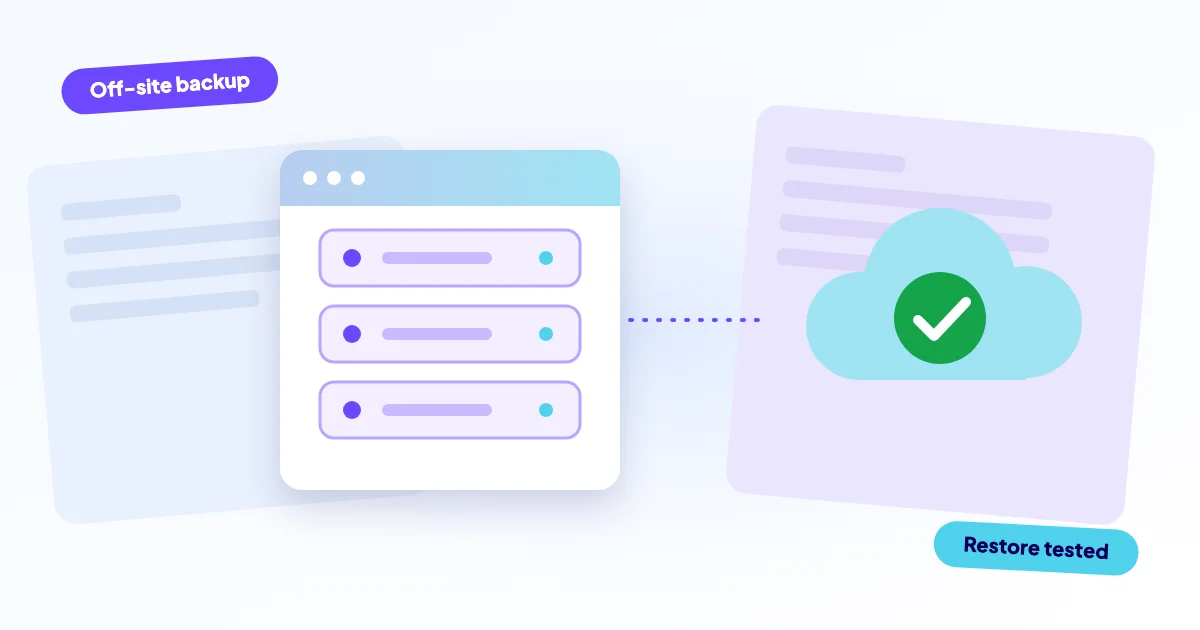
Website data is lost through hacks, bad updates, hosting failures, accidental deletion or an expired hosting account. If it happens, stop changing things, save whatever still exists, and look for a backup stored somewhere else than your server. To avoid losing data at all, follow the 3-2-1 rule and test your restores.
- Website data means files, the database and often email and settings, not just the pages you see.
- A backup on the same server as your site is not enough protection.
- The 3-2-1 rule: three copies, two kinds of storage, one copy off-site.
- A backup you have never restored is a hope, not a safety net.
How does website data get lost?
You open your site and the pages are empty, the shop has no products, or last month's orders are gone. It feels like the internet swallowed your work. Usually one of five things happened.
A hack
Attackers can delete content, encrypt files or inject spam into your database. Some wipe a site to cover their tracks. If you suspect this, read about a hacked website before you restore anything.
A bad update
A plugin, theme or CMS update can change the database in ways that cannot be reversed, or break the site so that content seems to vanish. Often the data is still there but the site no longer shows it. See a site broken after an update.
A host failure
Disks fail, servers get corrupted, and small hosting companies sometimes close. Hosts often keep their own backups, but their terms rarely promise you a restore.
Accidental deletion
Someone deletes a folder, clears a database table, runs a wrong command or removes the wrong site from the panel. This is common and quite human.
An expired hosting account or domain
If an invoice goes unpaid or the card on file expires, the host can suspend the account and later delete it. Domains work the same way. The warning emails often go to an address nobody reads.
What should you do first when data is missing?
Resist the urge to fix things quickly. Every extra action can overwrite something recoverable.
- Stop editing the site. Do not reinstall, update or "clean up" anything yet.
- Write down what is missing, when you last saw it and what changed around that time.
- Check whether the data is really gone or just not displayed. A database connection problem can look like data loss. See the database connection error.
- Log in to your host and look for an account notice, a suspension or an outage.
- Save what exists now: ask your host for a copy of the current files and database before anyone restores over it.
- Find your backups and note the date of the newest one.
Restoring a backup replaces the current files and database. Save the current state first, so orders, comments and edits made since the last backup are not destroyed.
What is the 3-2-1 backup rule?
The 3-2-1 rule is a simple standard for backups. It is built so that no single accident, whether a hack, a failed disk or a mistake, can take away every copy.
For a website this means: the live site is copy one. A backup on your server or in your host panel is copy two. A third copy sits at a different company, in a different location, and is not reachable with your normal site logins. That last point matters, because attackers who get into your server often delete the backups next to it.
What should a website backup include?
- All site files, including uploads, themes and plugins
- The full database, which holds your content, orders and users
- Configuration files, such as the WordPress wp-config.php or a Laravel .env file, stored securely
- Email data, if your mailboxes live on the same hosting
- DNS records, written down somewhere you can reach
A backup with files but no database restores an empty shell. A backup with a database but no uploads restores pages without images. Check that both are included.
How often should you back up?
Think about how much you can afford to lose. If you publish once a month, weekly backups may do. If your shop takes orders all day, a day of lost orders hurts, so daily backups are the minimum and some shops add more frequent database backups.
Keep several versions, not just the latest one. If a problem started three days ago and you only keep yesterday's backup, you restore the problem too.
Weak backup
- One copy, on the same server
- Only the latest version
- Never restored once
- Login shared with the site
Strong backup
- At least one copy off-site
- Several dated versions
- Restore tested on a copy
- Separate access, alerts on failure
How do you test a restore?
A backup is only proven when you have restored from it. Do a restore test at least once a year and after big changes.
- Set up a staging copy or a separate test space. Never test on the live site.
- Restore the newest backup files and database there.
- Open the site, log in, view a few pages and open an old order or post.
- Check that images, forms and the shop checkout work.
- Write down how long it took and what was missing.
That last note is valuable. If it took six hours and you only knew halfway where the database dump was, your real recovery is slower than you think.
Can your host's backups be enough?
They help, but do not rely on them alone. Host backups usually live in the same data centre and the same account as your site. They may be kept for only a few days, may not include everything, and the terms often do not promise a restore. If the account is suspended or the host has a major failure, the backups may go with it.
Treat the host backup as a bonus copy, and keep your own independent one.
How can we help?
If data is already missing, we diagnose it for free, quote a fixed price before any work starts (from €295 excl. VAT, from €450 for hacked sites, web shops and migrations), take a backup before every change, and you pay after the diagnosis. We cannot bring back data that no backup contains and that was overwritten, and we will say so honestly.
To make sure it never gets that far, our care plans include daily off-site backups, uptime checks with alerts, SSL and domain expiry alerts, and safe updates with rollback. Essential costs €99 a month, Plus €199 and Pro starts at €349. Related reading: how to build a business continuity plan, or contact us to talk through your situation.
Frequently asked questions
Also see
Broken after an update
It worked yesterday, you clicked update, now it does not
Read more →Hacked website
Visitors sent to spam, a Google warning, admin users you never created? Treat the site as…
Read more →Database connection error
The site is running; the link to its database is broken
Read more →