
500 Server Error on Your Website? Causes, Risks and Solutions
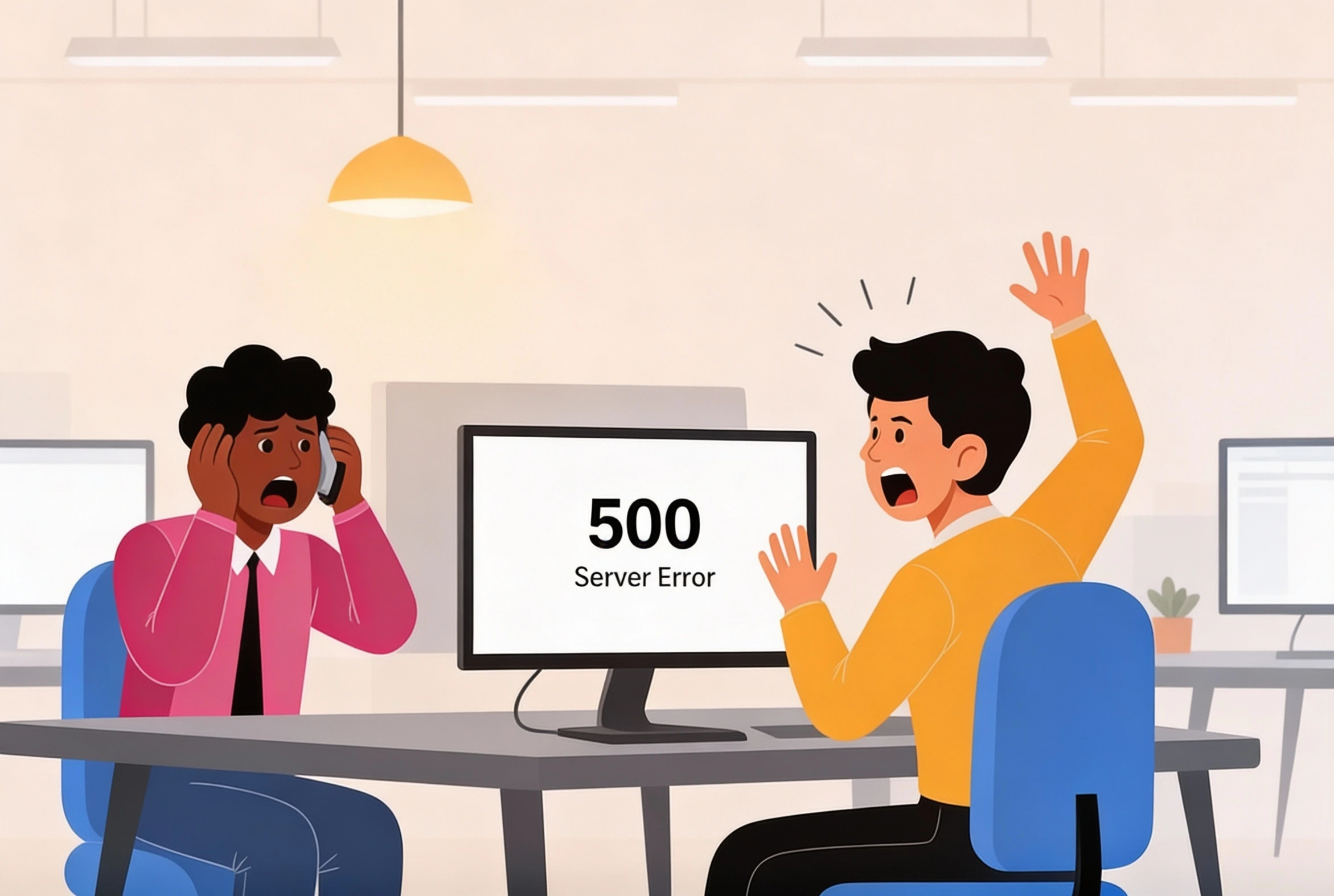
You type in your website address.
The page doesn’t load.
You refresh. Again. Nothing.
No homepage.
No contact page.
Not a single page responds.
Instead, one short and frustrating message appears:
500 – Internal Server Error
No explanation.
No guidance.
Just the realization that your entire website is offline.
For visitors, it’s a dead end.
For your business, it’s far more serious:
your website is completely down.
And when a 500 server error occurs, every minute matters.
Not only because visitors leave, but because this type of error usually points to a deeper server-level problem that won’t resolve itself.
In this article, you’ll learn what a 500 server error really is, why it often affects the entire website, what risks it poses to your business, and — most importantly — how to resolve it quickly and structurally.
What Is a 500 Server Error?
A 500 server error is a general server-side failure indicating that the web server cannot process requests correctly, often rendering the entire website unreachable.
It’s a catch-all message:
the server knows something went wrong, but can’t specify exactly what.
Why Does a 500 Error Often Take Down the Entire Website?
Unlike page-specific errors (such as 404 errors), a 500 server error originates from the server environment itself.
That means:
-
all pages rely on the same server logic
-
when that logic fails, everything fails
This is why a 500 error usually results in:
-
complete site downtime
-
errors across all URLs
-
no working functionality
What Causes a 500 Server Error?
A 500 server error almost always results from a technical conflict.
1. Server Configuration Issues
Errors in server settings, permissions or access rights can block all requests.
2. Failed Software Updates
CMS, plugin or theme updates may conflict with server settings.
3. Corrupted or Missing Files
Incomplete uploads or damaged files disrupt server execution.
4. Insufficient Server Resources
Memory or CPU limits can cause the server to stop responding.
5. Security Rules or Firewalls
Security systems may unintentionally block legitimate traffic.
Why a 500 Server Error Is a Serious Business Risk
Because the entire website is offline, the impact is immediate.
1. Immediate Loss of Trust
Visitors leave when nothing loads.
2. SEO Damage
Search engines detect:
-
server errors
-
downtime
-
unstable performance
This can negatively affect rankings.
3. Lost Leads and Revenue
Forms, checkouts and contact points stop working.
4. Reputation Damage
Repeated outages undermine professionalism.
What Should You Do When Your Website Is Fully Down Due to a 500 Error?
1. Confirm the Issue Is Site-Wide
Check multiple pages, devices and networks.
2. Avoid Panic Actions
Making changes without insight often worsens the problem.
3. Review Recent Changes
Updates or configuration changes are common triggers.
4. Check Server Logs
They often provide technical clues about the root cause.
5. Create a Backup
Even while the site is offline.
Why Quick Fixes Usually Fail
Many businesses:
-
disable plugins without analysis
-
restore backups blindly
-
change settings at random
The result:
-
temporary fixes
-
recurring errors
-
extended downtime
A 500 server error requires analysis and structure, not trial-and-error.
How IT bugsolutions Resolves 500 Server Errors Structurally
IT bugsolutions looks beyond the error message.
Our approach includes:
• Deep Server Analysis
We identify the true root cause.
• Targeted Recovery
No guesswork. No unnecessary risk.
• Server Stabilization
So the error doesn’t return.
• Continuous Monitoring
Issues are detected before downtime occurs.
With IT bugsolutions, your website remains stable, secure and reliable — even under pressure.
Conclusion
A 500 server error is not a minor glitch.
It’s a signal that your server environment has failed.
Because the entire website is often down, speed and expertise are critical.
Businesses that:
-
act quickly
-
analyze correctly
-
resolve structurally
limit damage and prevent recurrence.
Want certainty that your website stays reliable? IT bugsolutions is here to help.
FAQ
Does a 500 server error always take down the entire website?
In most cases, yes — because the issue exists at server level.
Can a 500 error resolve itself?
Sometimes temporarily, but it often returns without a proper fix.
Does this affect SEO?
Yes, especially if downtime is frequent or prolonged.
Is hosting always the cause?
No. Configuration and software conflicts are often responsible.
Can IT bugsolutions prevent this proactively?
Yes. Monitoring and proactive management detect issues early.
Published by IT bugsolutions on: Jan 30, 2026
IT issue? We fix it quickly.
Describe your IT problem and our specialists will get back to you with a clear, practical solution.
CONTACT USRecent posts
- Webshop Crashing? Every Minute Costs You Revenue
- Checkout Problems in Your Webshop? Here’s How to Prevent Revenue Loss
- My App Is Crashing — What Must I Do Immediately?
- Is Your Website Down? What You Must Do Immediately
- Website Hacked? Causes, Risks and What You Must Do Immediately
- Help! 404 Error on Your Website – What Does It Mean and How Do You Fix It?