
Help! 404 Error on Your Website – What Does It Mean and How Do You Fix It?
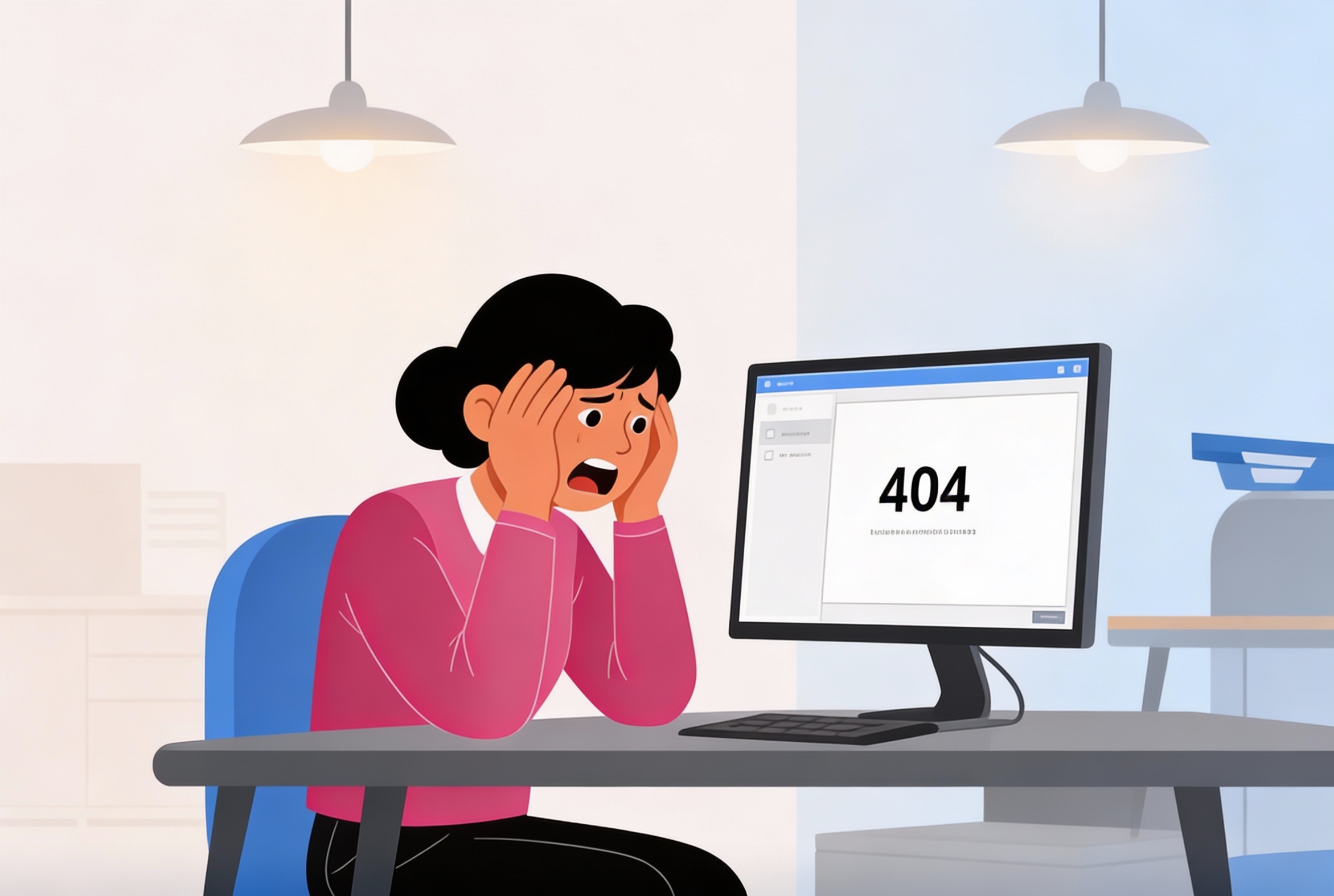
Your website looks fine.
Pages load quickly.
The content is up to date.
And yet…
A customer mentions that a link didn’t work.
A colleague shares a screenshot.
Or you notice it yourself while clicking through your site:
404 – Page Not Found
No system outage.
No server crash.
But a silent error that quietly drives visitors away — often without you noticing.
Many businesses underestimate 404 errors.
Until they realize these errors hurt SEO, damage trust, and cost potential customers.
In this article, you’ll learn what a 404 error really means, why it appears, and — most importantly — how to fix it properly without negative impact on your website or search rankings.
What Is a 404 Error?
A 404 error means that a web page cannot be found at the requested URL. The server is reachable, but the specific page no longer exists or is unavailable.
Important to note:
A 404 error is not a server failure — it’s a content or link issue.
Why Do 404 Errors Occur on Websites?
404 errors usually appear unintentionally.
Common causes include:
-
pages being deleted
-
URLs changed without redirects
-
typos in internal links
-
outdated links from external websites
-
website redesigns or CMS migrations
-
incorrect permalink settings
For visitors, it feels like a dead end.
For search engines, it signals quality and maintenance issues.
Why 404 Errors Can Harm Your Business
A single 404 error may seem harmless.
But repeated or unmanaged errors create real problems.
1. Poor User Experience
Visitors expect information — not an error message.
Many leave immediately.
2. Loss of Trust
Error pages raise doubts:
Is this website maintained?
Is this company reliable?
3. Negative Impact on SEO
Search engines detect:
-
broken internal links
-
crawl issues
-
lower engagement signals
Too many 404s can reduce rankings.
4. Lost Conversions
Every error page can mean:
-
a missed inquiry
-
an abandoned purchase
-
a lost opportunity
When Is a 404 Error Acceptable?
Not every 404 error is inherently bad.
A 404 can be acceptable when:
-
a page has been permanently removed
-
no relevant replacement exists
However, even then:
The error must be managed intentionally, not ignored.
How to Fix 404 Errors Properly
1. Identify All 404 Errors
Use tools such as:
-
Google Search Console
-
website crawlers
-
server logs
This helps you understand:
-
which URLs are affected
-
how often they’re accessed
-
where visitors come from
2. Use 301 Redirects Where Appropriate
If a replacement page exists, always use a 301 redirect.
This:
-
guides users seamlessly
-
preserves SEO value
-
prevents loss of authority
3. Optimize Your 404 Page
A well-designed 404 page should:
-
clearly explain what happened
-
offer navigation or search options
-
guide visitors back into your site
Never leave users at a blank error screen.
4. Regularly Check Internal Links
Internal links are often the root cause.
Make sure:
-
old URLs are updated
-
content remains accurate
-
redirects work correctly
5. Monitor Continuously
404 errors return — especially on evolving websites.
Ongoing monitoring prevents:
-
SEO damage
-
user frustration
-
hidden technical issues
Why Businesses Often Notice 404 Errors Too Late
Because:
-
there are no automatic alerts
-
visitors rarely report issues
-
the site still “appears to work”
This makes 404 errors dangerous:
they cause silent damage.
How IT bugsolutions Handles 404 Errors Structurally
IT bugsolutions helps businesses not only fix 404 errors — but prevent them.
Our approach includes:
• Technical Website Audits
We identify broken links, crawl issues and error patterns.
• SEO-Friendly Redirect Management
Sustainable URL structures and correct redirects.
• Continuous Monitoring
New errors are detected early.
• Guidance During Website Changes
Preventing issues during migrations and updates.
With IT bugsolutions, your website remains reliable — for visitors and search engines alike.
Conclusion
A 404 error may look minor.
But unmanaged, it causes serious damage.
It:
-
weakens SEO
-
drives visitors away
-
erodes trust
-
reduces conversions
Whether your website is informational or conversion-driven, 404 errors deserve attention.
Want a technically healthy website that stays reliable as your business evolves? IT bugsolutions helps prevent problems before they impact your results.
FAQ
Should every 404 error be fixed?
Not all, but every relevant or frequently visited error should be managed.
Are 404 errors bad for SEO?
Yes — especially if they affect important pages or internal links.
Is it better to show a 404 or redirect?
If a suitable alternative exists, a 301 redirect is always preferable.
How often should I check my website for 404 errors?
Ideally continuously, or at least once a month.
Can IT bugsolutions manage this for us?
Yes. We monitor, analyze and optimize your website’s technical health.
Published by IT bugsolutions on: Jan 09, 2026

IT issue? We fix it quickly.
Describe your IT problem and our specialists will get back to you with a clear, practical solution.
CONTACT USRecent posts
- Webshop Crashing? Every Minute Costs You Revenue
- Checkout Problems in Your Webshop? Here’s How to Prevent Revenue Loss
- My App Is Crashing — What Must I Do Immediately?
- 500 Server Error on Your Website? Causes, Risks and Solutions
- Is Your Website Down? What You Must Do Immediately
- Website Hacked? Causes, Risks and What You Must Do Immediately