
Checkout Problems in Your Webshop? Here’s How to Prevent Revenue Loss
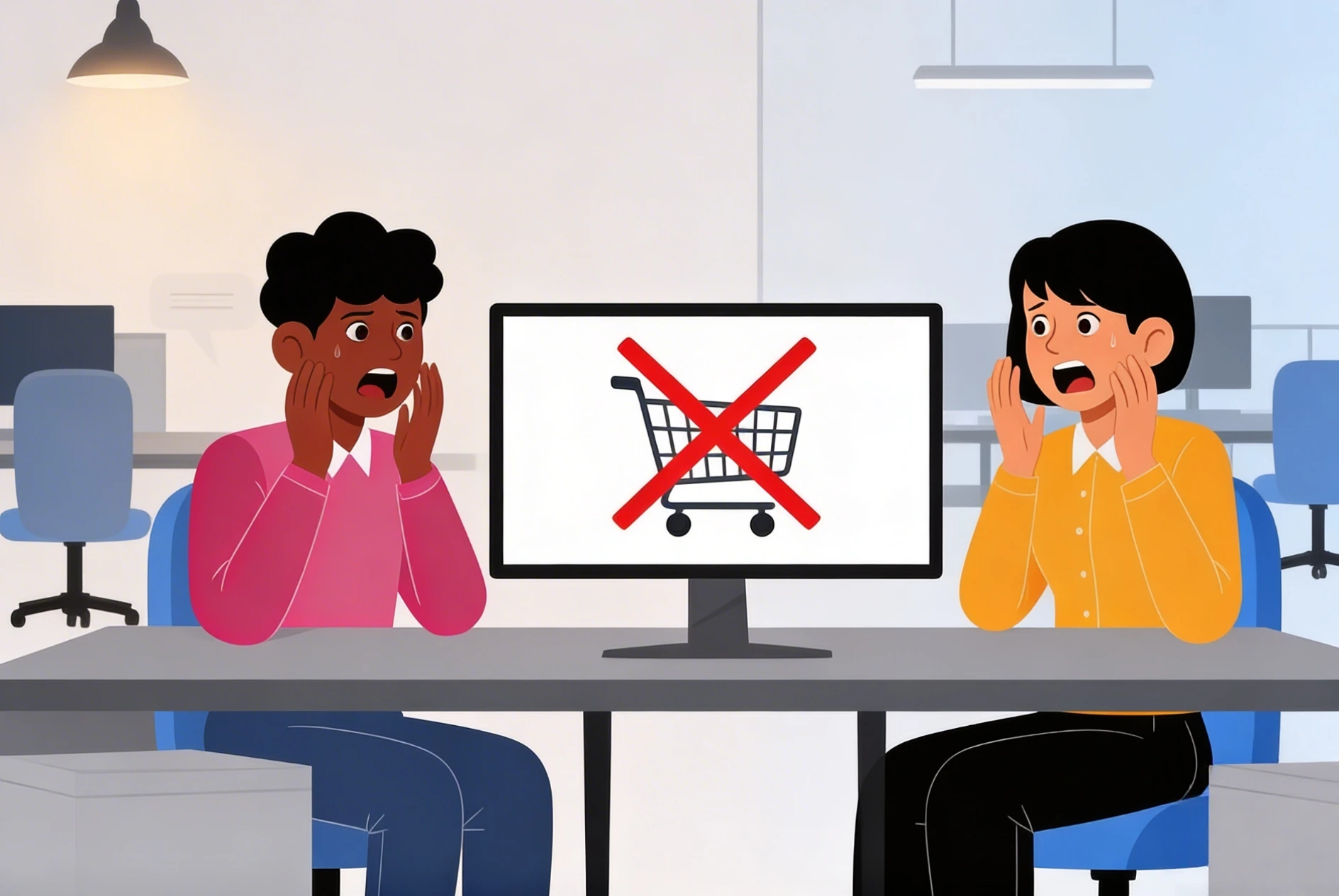
Your webshop is running, products are being viewed, and carts are filling up...
Everything looks healthy.
Until you check the numbers.
Plenty of visitors.
Plenty of added items.
But fewer completed purchases than expected.
Or worse:
customers report they can’t pay.
The checkout freezes.
The page keeps loading.
Payments fail without clear explanation.
That’s when it becomes clear:
your checkout is the problem.
And in e-commerce, checkout is not just another page.
It is the exact moment when interest turns into revenue.
If something breaks there, you’re not just losing transactions —
you’re losing trust, reputation and long-term growth.
In this article, you’ll learn why checkout problems occur, the risks they pose to your business, and how to structurally prevent revenue loss in your webshop.
What Are Checkout Problems?
Checkout problems are technical or functional errors during the payment process of a webshop that prevent customers from completing their purchase successfully.
They can appear as:
-
failed payments
-
checkout pages that freeze
-
vague or unclear error messages
-
unavailable payment methods
-
empty carts
-
timeouts during transactions
Why Checkout Problems Are So Dangerous
With other technical issues, the damage may be indirect.
With checkout problems, the impact is immediate.
Every error at this stage means:
-
direct revenue loss
-
frustrated customers
-
lower repeat purchase rates
-
potential negative reviews
And what many webshop owners underestimate:
A customer who fails once during checkout often does not return.
How Do You Know Your Checkout Is the Real Problem?
Not every drop in revenue means a technical failure. But these warning signs indicate deeper issues:
-
High cart abandonment rate
-
Increasing payment error logs
-
Growing number of support tickets about payments
-
Sudden drop in conversion rate
-
Customers reporting they “can’t complete payment”
When multiple signals appear together, investigation becomes urgent.
The Most Common Causes of Checkout Problems
1. Payment Provider Issues
Gateways such as Stripe, Mollie or others may experience:
-
API failures
-
timeouts
-
temporary outages
Even small delays can interrupt transactions.
2. Plugin or Module Conflicts
Recent updates may conflict with payment modules or checkout extensions.
3. Server or Performance Problems
Slow servers can cause:
-
session timeouts
-
interrupted payments
-
incomplete processing
Performance is critical during checkout.
4. Frontend Errors
JavaScript conflicts or browser incompatibilities can silently break the checkout.
5. SSL or Security Misconfiguration
Improper security certificates can block payment processing.
6. Poor Mobile Optimization
If checkout is not optimized for mobile, drop-off rates increase dramatically.
Why Customers Abandon Even When There’s No Visible Error
Sometimes the checkout technically works — but practically fails.
Examples include:
-
Too many required fields
-
Unclear validation messages
-
Unexpected extra costs
-
Forced account creation
-
Slow loading speed
Even minor friction costs conversions.
What Must You Do Immediately When Checkout Problems Occur?
1. Test the Full Checkout Flow Yourself
From product selection to final payment.
Test:
-
multiple devices
-
multiple payment methods
-
incognito mode
2. Check Payment Provider Status
Many providers publish real-time system status pages.
3. Review Server Logs
Look for:
-
error codes
-
timeouts
-
API failures
4. Analyze Conversion Data
Identify exactly where customers drop off.
5. Review Recent Changes
Updates or new modules are common triggers.
6. Apply Temporary Mitigation
If needed:
-
disable problematic modules
-
offer alternative payment methods
-
reduce friction in the process
Why “It Works for Me” Is Not Reliable
Many webshop owners test checkout and think:
“It works on my side.”
But:
-
customers use different devices
-
networks vary
-
browsers behave differently
-
caching differs
What works for you may fail for hundreds of customers.
The Hidden Cost of Checkout Problems
The real damage isn’t just one failed payment.
It includes:
-
lost customer trust
-
long-term revenue decline
-
lower customer lifetime value
-
reduced conversion rates
-
negative reputation impact
And most importantly:
revenue you will never recover.
How IT bugsolutions Fixes Checkout Problems Structurally
IT bugsolutions looks beyond the surface.
Our approach includes:
• Technical Backend and Frontend Analysis
We inspect servers, APIs and application code.
• Performance Optimization
Faster loading times and stable session handling.
• Payment Integration Testing
We validate and optimize payment gateway connections.
• Monitoring of Revenue-Critical Processes
Problems are detected before customers experience them.
• Structural Stabilization
We don’t just fix issues — we prevent them.
With IT bugsolutions, your checkout remains reliable — and your revenue protected.
Why Prevention Is Essential for Webshops
In e-commerce, trust is everything.
Customers expect:
-
speed
-
security
-
clarity
-
reliability
Any disruption during payment has disproportionate consequences.
Monitoring and proactive IT management make the difference.
Conclusion
Checkout problems are not minor technical glitches.
They strike at the heart of your webshop: your revenue.
Businesses that:
-
analyze quickly
-
resolve structurally
-
monitor proactively
prevent silent revenue leakage.
Want certainty that your checkout remains stable and conversion-ready? IT bugsolutions helps you prevent problems — not just repair them.
FAQ
How can I tell if technical issues cause cart abandonment?
By analyzing conversion data and server error logs.
Can small checkout bugs really cost significant revenue?
Yes. Checkout is the most critical stage of your webshop.
Should I immediately change payment providers?
Not without a thorough technical investigation.
Does server speed affect checkout performance?
Absolutely. Performance is essential during payment processing.
Can IT bugsolutions help prevent checkout failures?
Yes. Monitoring and optimization protect your revenue processes.
Published by IT bugsolutions on: Feb 13, 2026
IT issue? We fix it quickly.
Describe your IT problem and our specialists will get back to you with a clear, practical solution.
CONTACT USRecent posts
- Webshop Crashing? Every Minute Costs You Revenue
- My App Is Crashing — What Must I Do Immediately?
- 500 Server Error on Your Website? Causes, Risks and Solutions
- Is Your Website Down? What You Must Do Immediately
- Website Hacked? Causes, Risks and What You Must Do Immediately
- Help! 404 Error on Your Website – What Does It Mean and How Do You Fix It?