
How Cloud Solutions Reduce Downtime and Make Your Business More Resilient
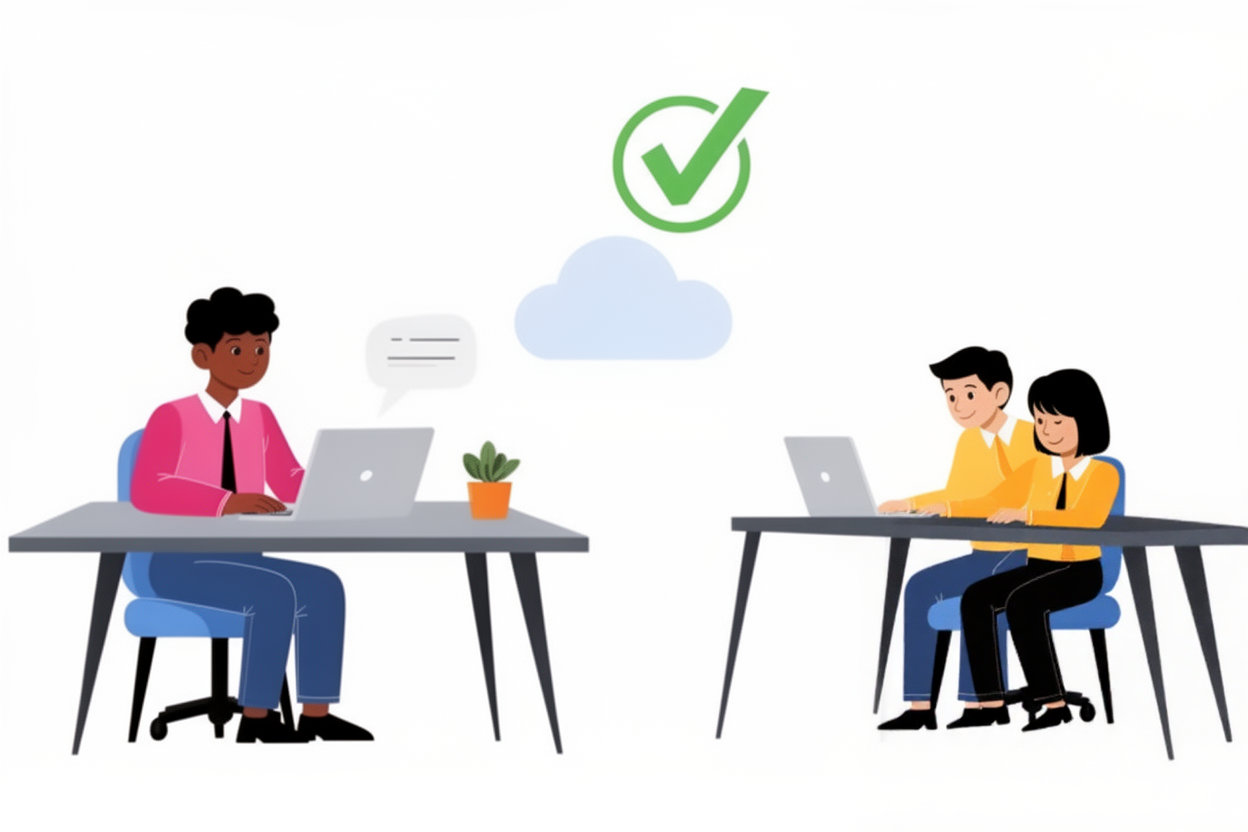
Your team is working smoothly when suddenly a few employees notice that a shared file won’t open.
Moments later, customer service reports that their application keeps freezing.
A client calls saying he can’t place an order.
What started as a minor inconvenience quickly reveals something bigger:
your systems are hitting their limits — and your business is slowing down.
Many companies experience these silent warning signs long before a real outage strikes.
But by the time the problem becomes visible, it’s usually too late.
That’s why more organizations are moving to cloud solutions — a modern, flexible and secure way to keep IT systems running without relying on a single vulnerable server or physical location.
In this article, you’ll discover how cloud technology reduces downtime, strengthens continuity and why companies rely on the expertise of IT bugsolutions to manage a safe, smooth transition to the cloud.
What Are Cloud Solutions?
Cloud solutions mean your applications, data, and systems run in secure external datacenters instead of relying solely on local servers.
These datacenters offer:
-
Better security
-
Continuous maintenance
-
High scalability
-
Access from any location
Common cloud solutions include:
-
Cloud storage (OneDrive, Google Cloud, Azure Storage)
-
Cloud servers (AWS, Azure, Google Cloud Platform)
-
Cloud applications (Microsoft 365, CRM, ERP systems)
-
Cloud backups and disaster recovery
In short: cloud solutions reduce risks because you're no longer dependent on a single device, office or aging server.
Why Local Systems Are Vulnerable
Businesses that rely solely on on-premise servers run into predictable problems:
-
Hardware Failures
A failing hard drive can bring the entire organization to a halt. -
Software Errors
A faulty update can crash applications for hours. -
Limited Capacity
Once servers hit their limits, systems slow down or become unstable. -
No Redundancy
When one component fails, everything fails. -
Human Error
Misconfigurations or accidental deletions can cause serious disruptions.
How Cloud Solutions Reduce Downtime
1. Automatic Failover
If one cloud server goes down, another takes over instantly.
Your team continues working without interruption.
2. Unlimited Scalability
More users? More data? Seasonal peaks?
The cloud expands automatically — without hardware upgrades.
3. Enterprise-Grade Datacenters
Cloud providers invest heavily in:
-
Physical security
-
Fire protection
-
Redundant power systems
-
Network redundancy
This level of protection is impossible to match with on-site servers.
4. No Risk of Hardware Breakdown
In the cloud, faulty components are replaced proactively — before they cause issues.
5. Automatic Updates and Patching
Cloud environments are continuously improved with:
-
Security patches
-
Bug fixes
-
Performance upgrades
No manual intervention needed.
6. Work From Anywhere
If your office loses power or internet, your business keeps functioning.
The cloud maintains continuity from any location.
How Cloud Solutions Increase Business Resilience
Cloud environments create a stronger, more flexible technological foundation:
-
Your data is stored redundantly
-
Your systems stay operational during local failures
-
Your team can continue working remotely
-
Your IT infrastructure scales automatically
-
You reduce dependency on local hardware or specific employees
Resilience means your business keeps running — even when the unexpected happens.
How IT bugsolutions Supports Your Cloud Transition
IT bugsolutions helps businesses of all sizes — from small teams to professional organizations — migrate safely and efficiently to the cloud.
Our services include:
• Cloud Assessment & Strategy
We analyze your current environment and determine the most efficient cloud setup for your business.
• Zero-Downtime Cloud Migration
We move your data, servers and applications without interrupting your daily operations.
• Ongoing Cloud Management & Monitoring
24/7 monitoring ensures immediate intervention if abnormalities occur.
• Cloud Security & Access Protection
We implement strong security measures including encryption, MFA and identity management.
• Cloud Backup & Disaster Recovery
Even in the cloud, backups are essential — we ensure they exist and function properly.
With IT bugsolutions, you invest in a secure, future-proof cloud environment built for stability and performance.
Conclusion
Downtime is one of the most expensive risks for modern organizations.
Cloud solutions drastically reduce that risk by offering:
-
Automatic failover
-
Scalability
-
Remote accessibility
-
Advanced security
-
Reduced dependency on hardware
-
Stronger business continuity
Whether you run a small team, a medium-sized company or a professional organization — cloud solutions create a safer, more resilient foundation for your operations.
Ready to reduce downtime and future-proof your IT?
Choose reliability. Choose IT bugsolutions.
FAQ
Are cloud solutions secure enough for my business?
Yes — when configured correctly. With encryption and proper access control, cloud solutions are often safer than on-premise servers.
Can we migrate to the cloud without downtime?
Absolutely. IT bugsolutions performs seamless migrations that allow your team to keep working throughout the transition.
Is cloud infrastructure more expensive?
Not at all — you only pay for what you use, and hardware investments disappear.
Do I still need backups if I’m already in the cloud?
Yes. Backups protect you from human error, ransomware and accidental deletion.
Is the cloud suitable for small companies?
Yes — cloud solutions scale effortlessly, making them ideal for teams of any size.
Published by IT bugsolutions on: Sep 30, 2025
IT issue? We fix it quickly.
Describe your IT problem and our specialists will get back to you with a clear, practical solution.
CONTACT USRecent posts
- Webshop Crashing? Every Minute Costs You Revenue
- Checkout Problems in Your Webshop? Here’s How to Prevent Revenue Loss
- My App Is Crashing — What Must I Do Immediately?
- 500 Server Error on Your Website? Causes, Risks and Solutions
- Is Your Website Down? What You Must Do Immediately
- Website Hacked? Causes, Risks and What You Must Do Immediately