
Hybrid Work Security: How to Protect Your Business When Employees Work From Home and the Office
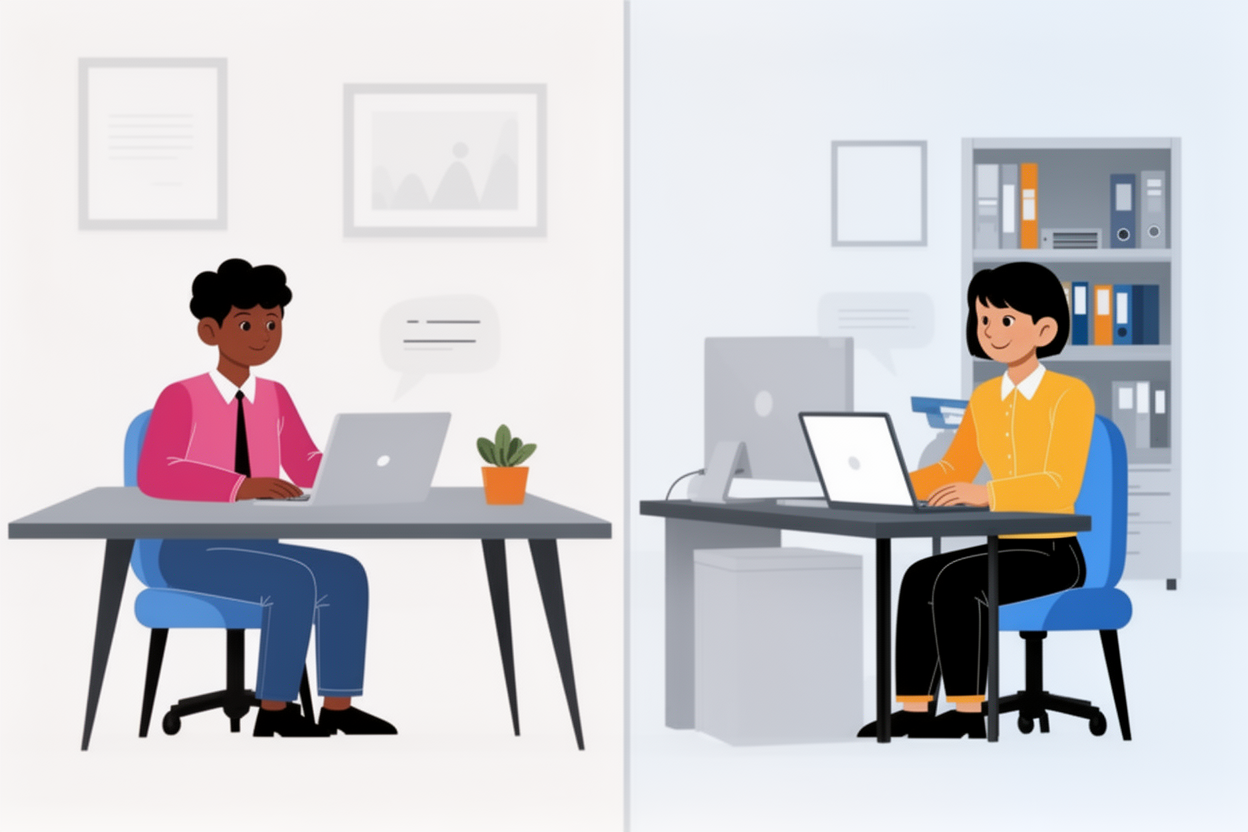
A few years ago, hybrid work was something only innovative companies experimented with.
Today, it has become the new norm.
One employee logs in from home, another from the office, someone else from a client location, and a few others work on the train with a laptop balanced on their knees.
Productive? Definitely.
Convenient? Absolutely.
But somewhere in die mix ontstaat vroeg of laat de vraag:
“How secure is all of this, really?”
Maybe an employee connects through an unsecured home network.
Maybe a laptop is lost during travel.
Maybe someone clicks a phishing link while working from a café — without the protection of your company firewall.
Hybrid work improves flexibility…
But it also increases your digital attack surface.
In this article, you’ll discover how to protect your systems, data, and people — no matter where they log in.
What Makes Hybrid Work More Vulnerable?
Featured Snippet Version:
Hybrid work introduces extra security risks because employees connect through unsecured networks, use personal devices, work outside the corporate firewall, and access cloud applications without centralized oversight.
In Detail:
1. Unsecure Home Networks
Routers aren’t always updated, configured properly, or strongly authenticated.
2. Personal and Work Devices Get Mixed
USB sticks, personal laptops, family-shared tablets — all create vulnerabilities.
3. Increased Phishing Exposure
Employees working outside corporate infrastructure are easier targets.
4. Uncontrolled Cloud Usage
Sharing files via WhatsApp, Dropbox or personal email increases data-leak risks.
5. Lost or Stolen Devices
One unprotected laptop can compromise an entire organization.
How to Secure Hybrid Work Environments
Here are the essential measures every organization needs:
1. Use Managed, Secure Corporate Devices
Your IT team (or IT bugsolutions) must be able to enforce:
-
automatic updates
-
encryption
-
strict security settings
-
app restrictions
-
next-gen antivirus / EDR
Personal devices should be avoided whenever possible.
2. Enforce Strong Passwords and Multi-Factor Authentication (MFA)
MFA stops unauthorized access — even if a password is stolen.
3. Implement a Business VPN or Zero-Trust Security
A VPN encrypts all traffic from home to office.
But the long-term solution?
Zero-Trust — no user or device is trusted by default, even inside the office network.
4. Segment the Network
With hybrid work, more devices connect from more places.
Segmentation prevents attackers from moving freely inside your environment.
5. Use Secure Cloud Platforms With Access Controls
Cloud is powerful — but only when configured correctly:
-
role-based access
-
logging and auditing
-
conditional access
-
restricted guest sharing
6. Train Employees in Cyber Hygiene
People remain the biggest risk factor.
Training should be practical and clear:
-
how to spot phishing
-
how to handle passwords
-
how to use cloud apps securely
-
what to do when something “feels strange”
7. Enable 24/7 Monitoring and Threat Detection
Hybrid work requires continuous visibility across all locations.
This includes:
-
real-time monitoring
-
AI-driven threat detection
-
alerts for suspicious logins
-
automatic device isolation
How IT bugsolutions Secures Hybrid Work
IT bugsolutions protects businesses of every size — from small teams to professional organizations — with complete hybrid-security solutions.
• Central Device Management (MDM + Security Policies)
Ensuring every laptop and mobile device is fully protected.
• VPN and Zero-Trust Implementation
Secure access anywhere.
• Next-Generation Antivirus / EDR
Stops attacks before they spread.
• 24/7 Monitoring & Rapid Response
We detect threats instantly and act immediately.
• Advanced Cloud Security (Microsoft 365 / Google Workspace)
Protecting your apps, data and users — wherever they work.
• Security Awareness Training
Turning your team into a strong first line of defense.
• Backup and Disaster Protection
No single employee device becomes a single point of failure.
With IT bugsolutions, hybrid work becomes secure, stable and stress-free.
Conclusion
Hybrid work isn’t going away.
It improves productivity, work-life balance and efficiency —
but only when it’s properly secured.
Unprotected hybrid setups can lead to:
-
data breaches
-
phishing incidents
-
ransomware
-
compliance issues
-
downtime
Whether you lead a small team, a medium-sized company or a professional organization —
secure hybrid work is essential.
Need expert protection for your hybrid workforce? IT bugsolutions keeps your business safe, wherever your employees work.
FAQ
Is hybrid work riskier than traditional office work?
Yes — because employees often work outside secure corporate networks.
Are personal laptops secure enough?
No. Managed corporate devices are significantly safer.
Is a VPN enough to secure hybrid work?
It helps, but Zero-Trust provides far better long-term protection.
What if an employee loses their laptop?
IT bugsolutions can remotely block, lock or wipe the device.
Can IT bugsolutions fully manage our hybrid work environment?
Yes — from devices and cloud platforms to monitoring, training and security.
Published by IT bugsolutions on: Nov 20, 2025
IT issue? We fix it quickly.
Describe your IT problem and our specialists will get back to you with a clear, practical solution.
CONTACT USRecent posts
- Webshop Crashing? Every Minute Costs You Revenue
- Checkout Problems in Your Webshop? Here’s How to Prevent Revenue Loss
- My App Is Crashing — What Must I Do Immediately?
- 500 Server Error on Your Website? Causes, Risks and Solutions
- Is Your Website Down? What You Must Do Immediately
- Website Hacked? Causes, Risks and What You Must Do Immediately